Calendar - Android TV
Android TV calendar app
Calendar - Android TV is an Android TV calendar application (package com.notes.calendar.app.tv). Its purpose is to show your schedule on a television: a month calendar, an agenda list, a clock with today’s events, and notes for any day. You can also optionally connect Google Calendar with read-only access so Google events appear on the TV. The app does not create, edit, or delete Google Calendar events.
Get it on Google Play Privacy Policy Terms
Designed for Android TV. The same app also works on phones and tablets.
Home, calendar, Google Calendar, events, clock, notes, and settings.
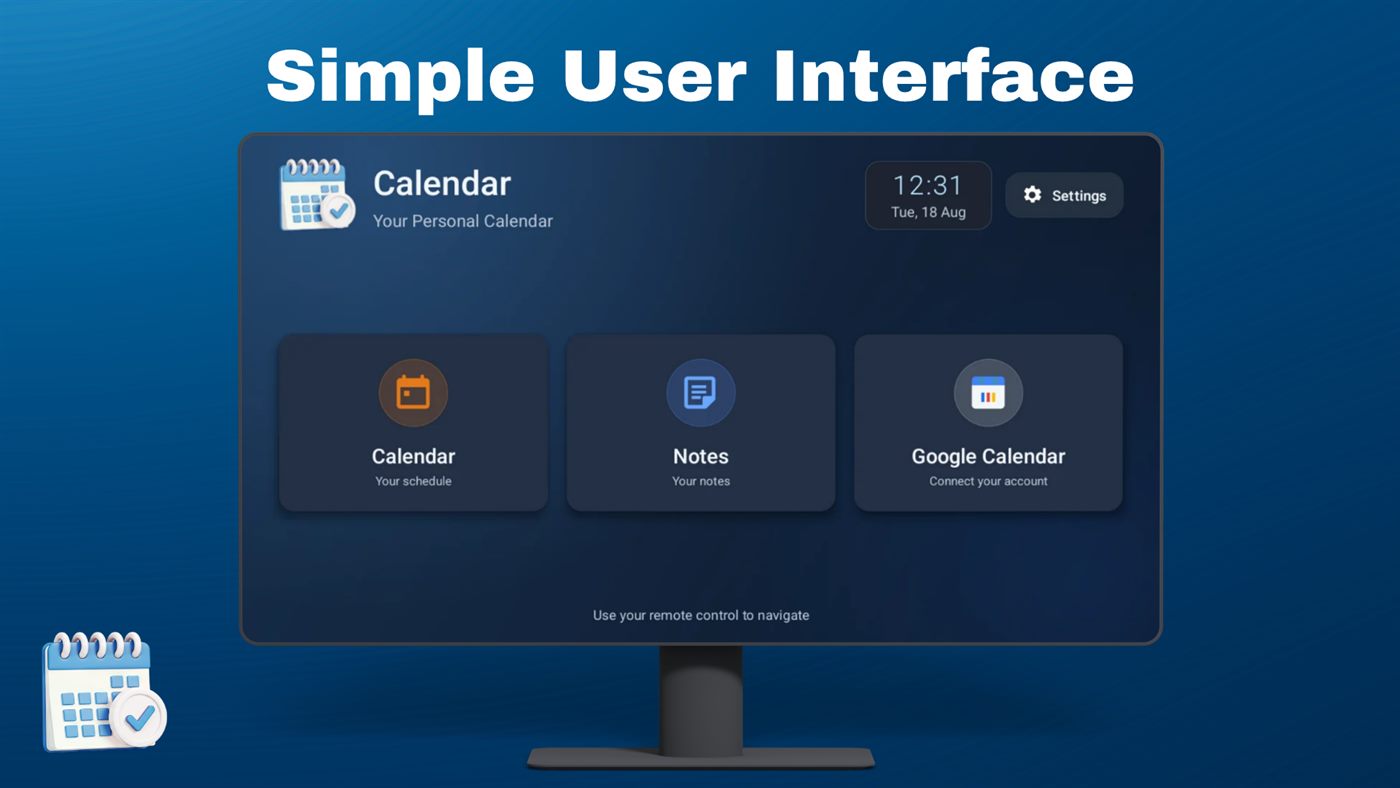
Three large cards: your local calendar, notes, and Google Calendar. Navigate with the remote.
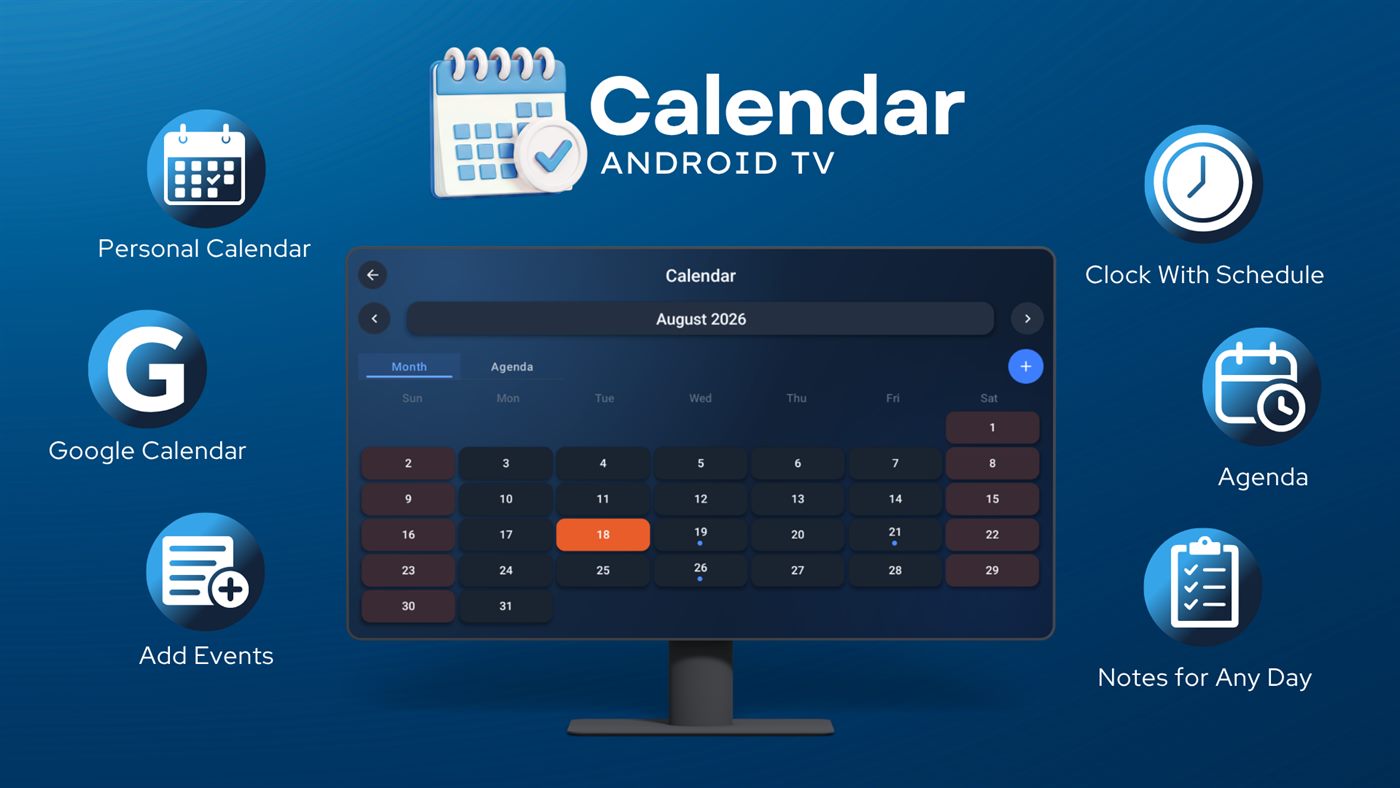
Personal calendar, Google Calendar, events, clock, agenda, and notes — all on one living-room screen.
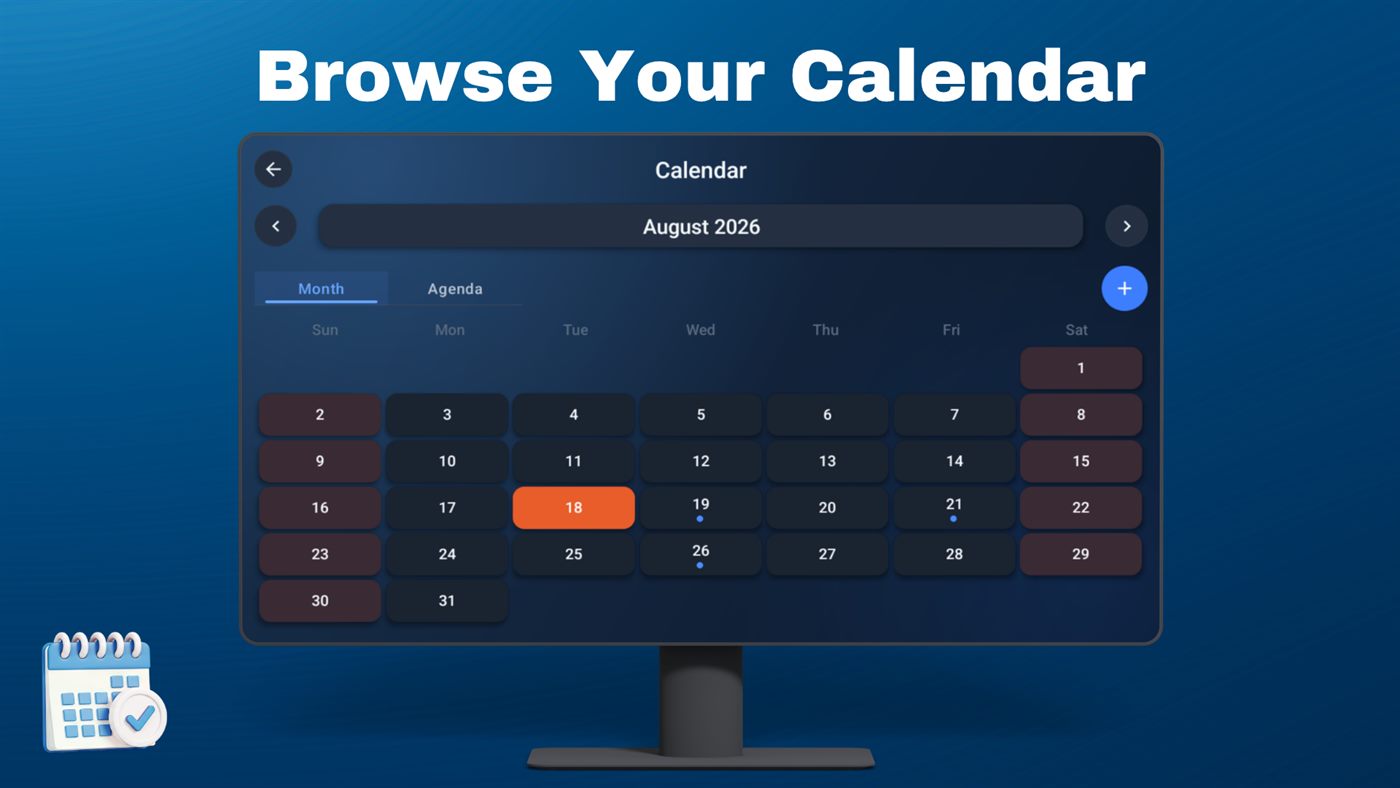
Month grid with today highlighted. Dots mark days that have events. Switch to Agenda when you want a list.
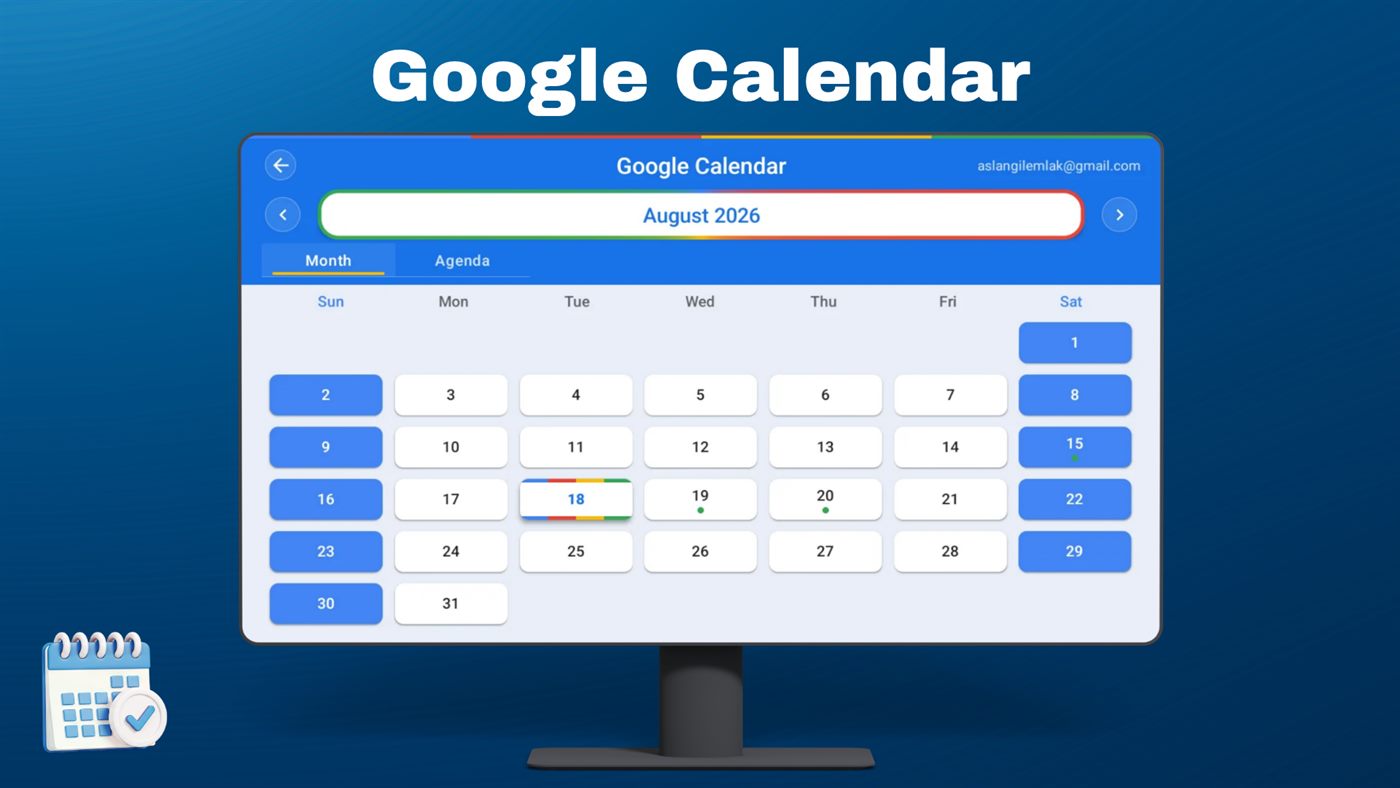
After you sign in on your phone with a device code, your Google events appear here. The app only reads them.
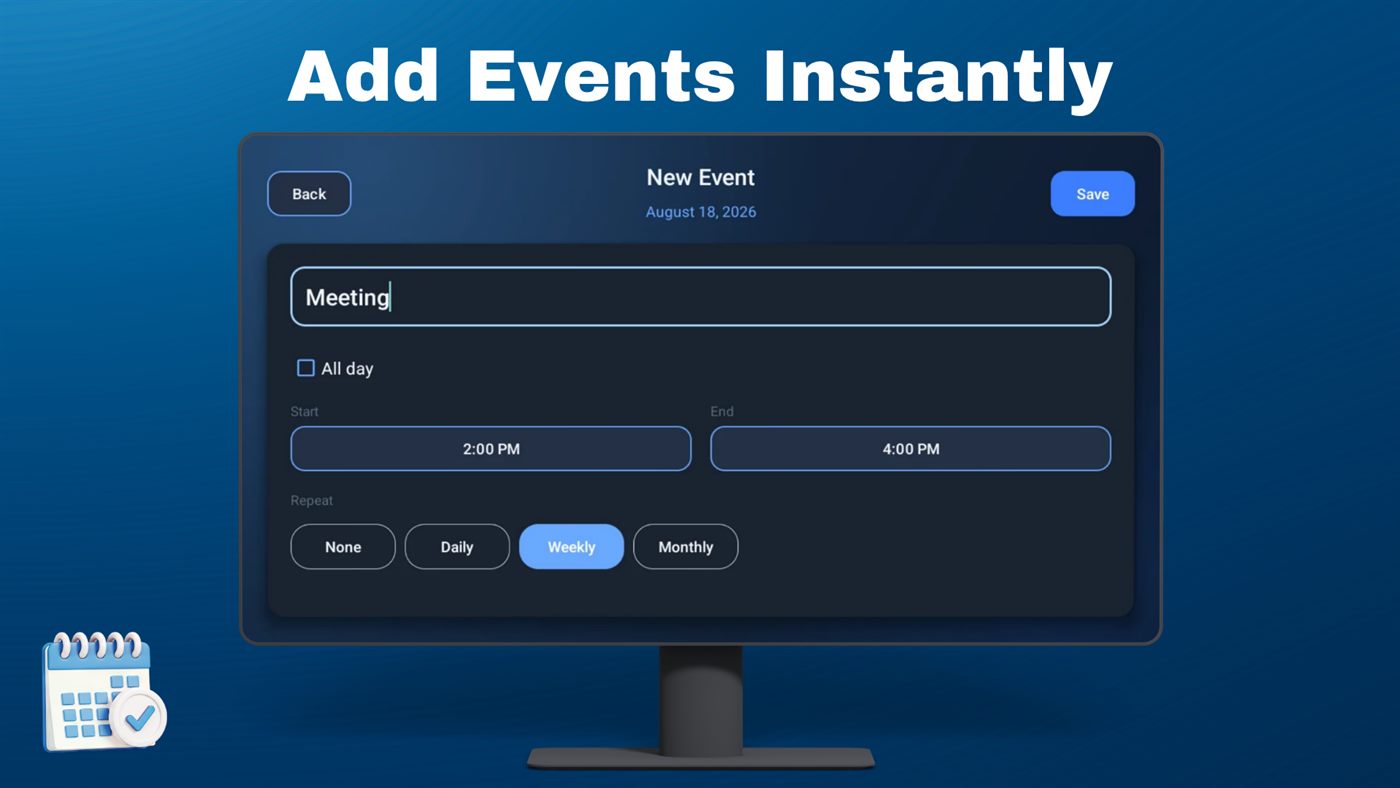
Title, times, all-day, and repeat (daily, weekly, monthly). Saved on the device.
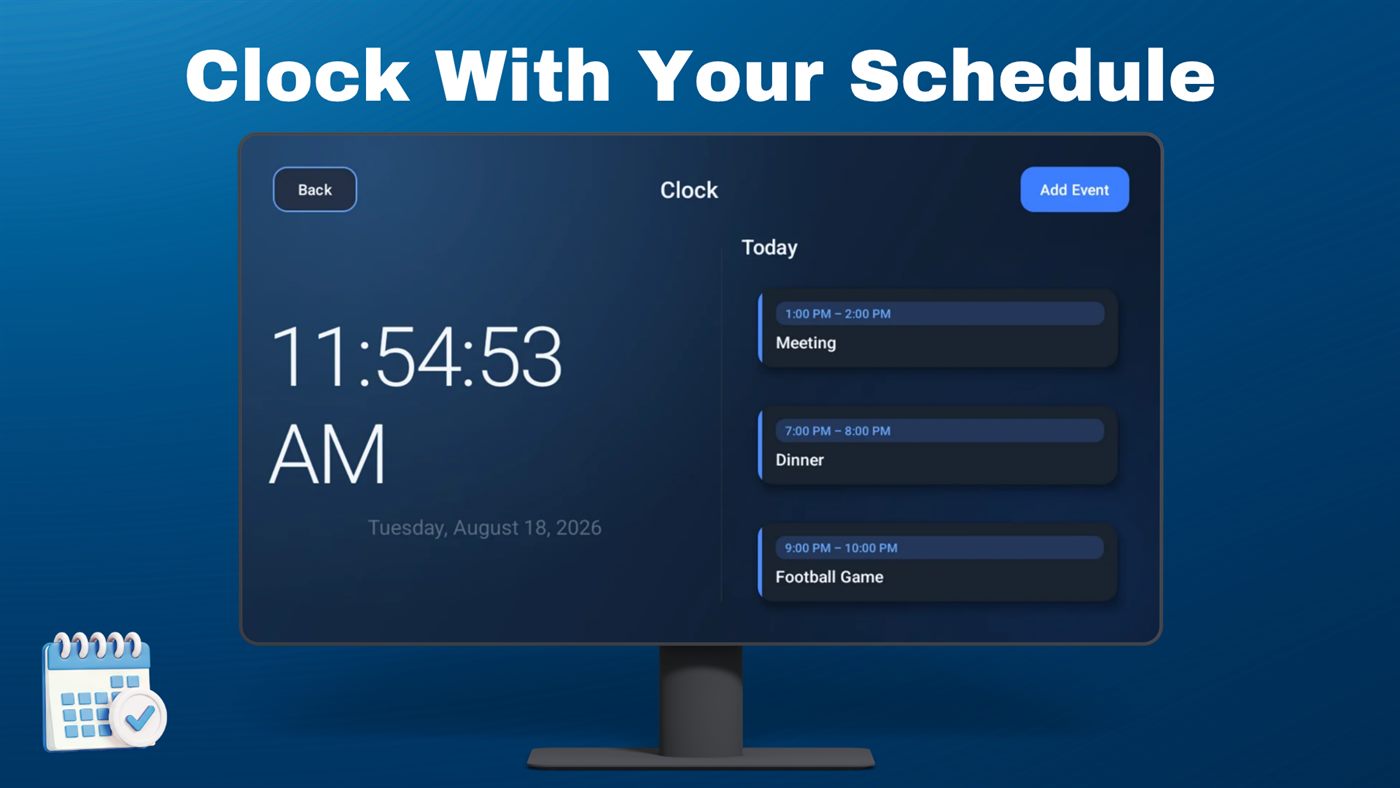
Large time and date on the left, today’s events on the right.
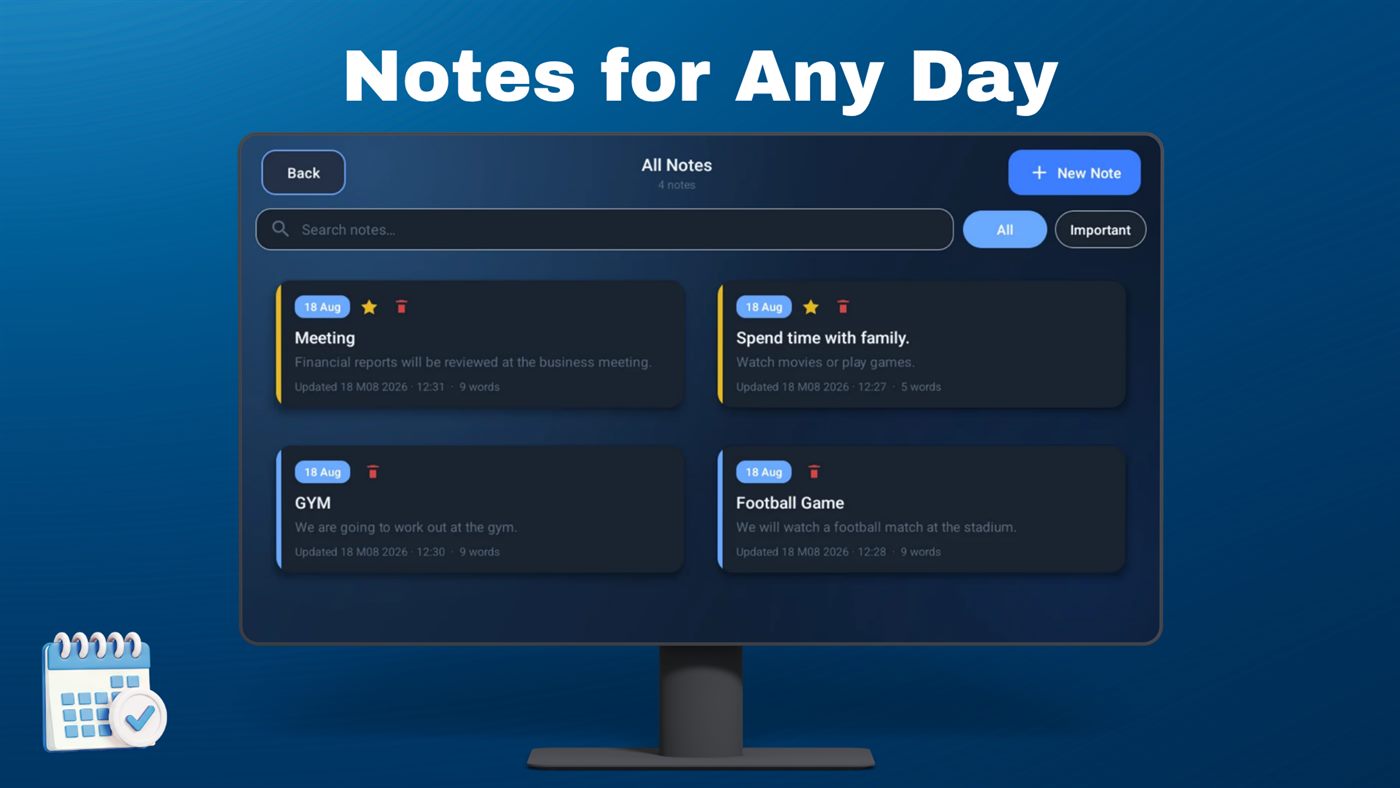
Search, important filter, and a simple card layout made for the remote.
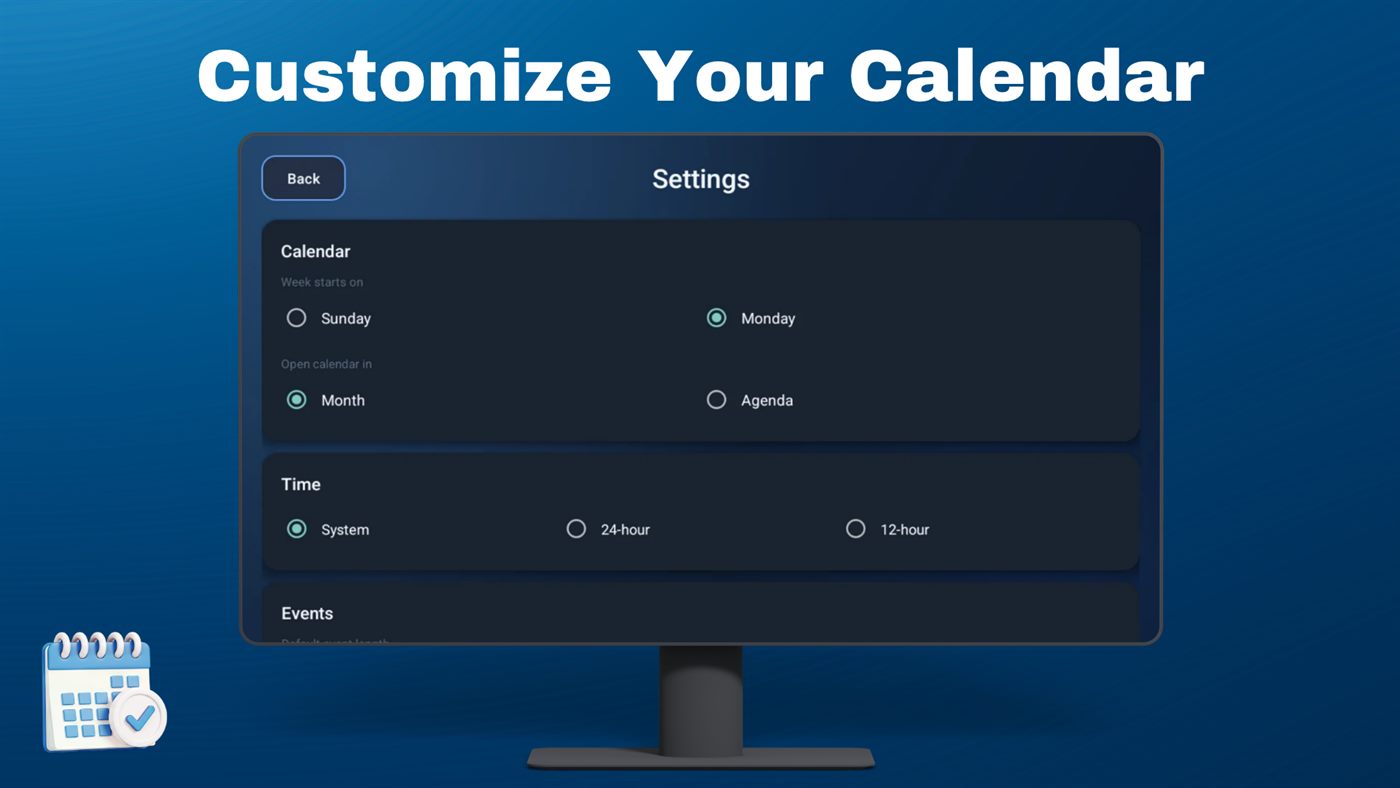
Week start, default calendar view, 12/24-hour time, and event defaults.
Notes and local events stay on your device. Google Calendar is optional and read-only: we only display your events. We do not write to Google Calendar, sell data, or use ads. Optional Pro is sold through Google Play Billing.